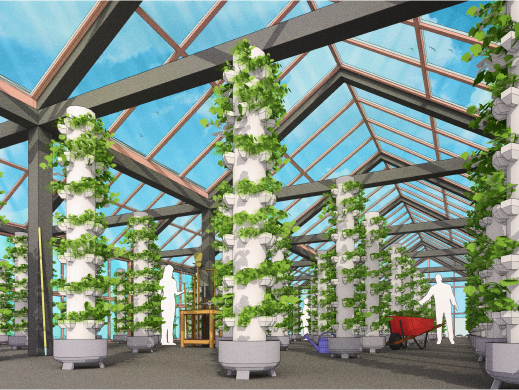
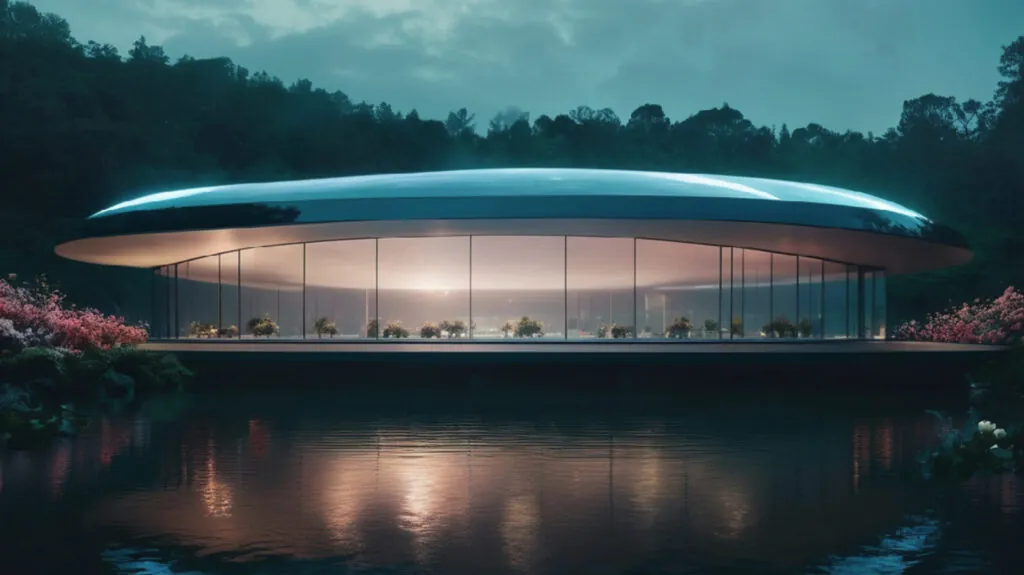
Veras continues to push the boundaries of AI-powered visualisation with the release of Veras 4.7. Designed for architects, designers and visualisation professionals, the latest update introduces powerful new AI video editing capabilities, enhanced workflow improvements, support for Autodesk Revit 2027, and several quality-of-life enhancements to make creating stunning visuals even easier.
Whether you’re refining concept designs, presenting ideas to clients or producing compelling animations, Veras 4.7 delivers faster, smarter and more flexible creative tools.
Edit Existing Videos with AI
One of the standout additions in Veras 4.7 is the ability to edit existing videos using the new Gemini Omni AI model.
Rather than creating a video from scratch, you can upload an existing animation or select one you’ve already created in Veras and simply describe the changes you’d like to make. The AI intelligently updates your footage while preserving the original camera movement and animation.
This opens up exciting possibilities, including:
- Changing building materials and finishes
- Updating landscaping and vegetation
- Switching between seasons
- Adjusting lighting and time of day
- Applying completely new visual styles
You can also include up to four reference images to help guide the AI towards your desired materials, design style or overall aesthetic.
Alongside video editing, Gemini Omni also supports:
- Text-to-video generation
- Image-to-video creation
- 10-second AI video clips rendered in 720p (Preview)
Continue Refining AI Videos
Veras now makes it easier to build upon previous AI-generated results.
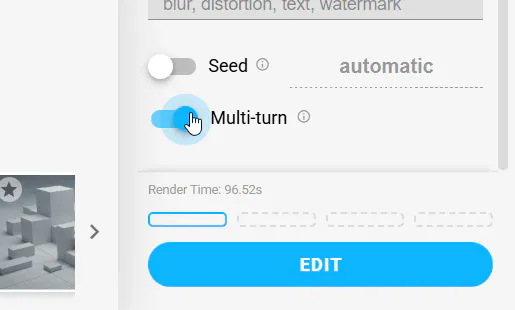
When editing a video created with Gemini Omni, you can continue the same editing session rather than starting again. This allows you to make incremental improvements while maintaining visual consistency across each version.
The result is a far more natural workflow for experimenting with ideas and refining presentations.
Improved Video Playback
Reviewing multiple animations is now significantly smoother.
Veras 4.7 allows you to select multiple video renders and play them as one continuous looping sequence, making it ideal for reviewing design concepts, walkthroughs or presentation storyboards.
Additional playback improvements include:
- Continuous playback across selected videos
- Thumbnail scrub bars for easier navigation
- Smoother timeline performance
- Improved playback when handling larger collections of video renders
Faster Image Copy & Paste
Working between Veras and other applications is now much more efficient.
You can now:
- Paste images directly into Veras from your clipboard using Ctrl + V (or Cmd + V on macOS)
- Copy rendered images directly from Veras into emails, presentations, documents or messaging applications without saving them first
These small workflow improvements help speed up everyday design tasks.
Full Support for Revit 2027
Veras 4.7 now supports Autodesk Revit 2027, allowing users to take advantage of the latest version of Revit without waiting for plugin updates.
The latest Windows installer automatically detects installed Revit versions, making installation quick and straightforward.
Workflow Improvements Throughout Veras
Alongside the headline features, Veras 4.7 includes numerous refinements designed to improve stability, performance and the overall user experience.
Highlights include:
- Clearer notifications when AI credits have been exhausted
- Faster gallery updates when deleting renders
- Improved keyboard shortcuts within the gallery
- More reliable automatic sign-in recovery
- Better source image history for synced models
- Live previews when using Auto Source mode
- Automatic aspect ratio matching
- Better video compatibility across different host applications
- Improved Rotate render behaviour
- More reliable guided walkthroughs
- Fixes for multi-monitor display issues
- Enhanced preset editing and style management
- Faster cloud-based render delivery
Upgrade to Veras 4.7 Today
Veras 4.7 represents another significant step forward for AI-assisted architectural visualisation. From intelligent video editing with Gemini Omni to native Revit 2027 support and a host of workflow improvements, the latest release helps designers create professional visual content faster than ever before.
As a Chaos Platinum Partner, Elmtec can help you get the most from Veras, whether you’re evaluating AI visualisation tools, purchasing licences or integrating Veras into your existing design workflow.
If you’d like to learn more about Veras or discuss how AI visualisation can enhance your projects, get in touch with the Elmtec team today.