SketchUp Free vs Pro

3D SketchUp design of a creative park layout with winding pathways and unique structures

Key Features of SketchUp Free vs Pro

So, you are looking at finding the best plan for you using SketchUp, it can be daunting when faced with so many 3D modelling software, then dozens of plans, each a new realm of opporunity.

There are two ways you can find out what the best plan for you and your projects will be.

Speak to one of our UK based team members, each with extensive knowledge of the 3D modelling world, supporting hundreds of digital designers everyday. Their goal is to point you in the right direction based on your modelling needs.

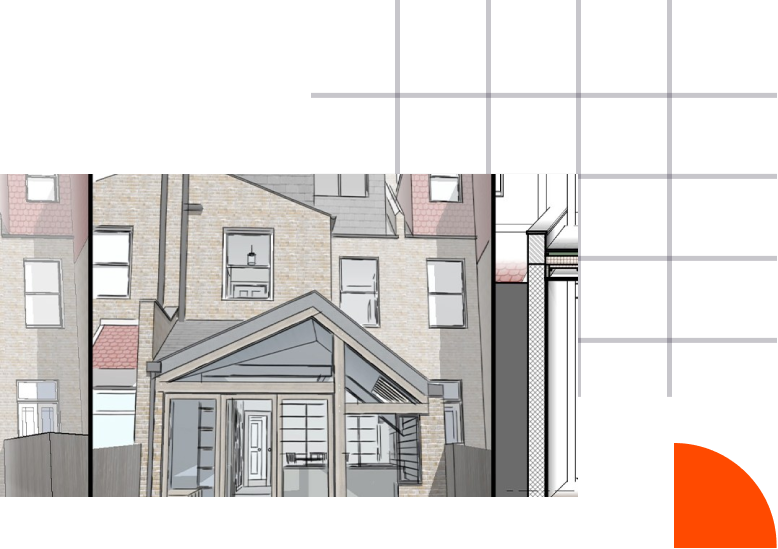
SketchUp architectural rendering of a detailed brick house with a porch entrance

Your second option is to check out the SketchUp plans below, a short but sweet representation of our web based SketchUp plan, all the way up to SketchUp studio.

Detailed Features Comparison

Features

(Free Vs Pro)

Free

£ 0

not permitted for commercial use

Best Seller

SketchUp Pro

£ 349

/year

SketchUp Studio

£ 716

/year

SketchUp Go

£ 113

/year

Usage

Web Only

Desktop & Web

Desktop & Web

Web Only

License for commercial use

Usable Offline

Cloud Storage

Unlimited (Trimble Connect)

Unlimited (Trimble Connect)

Support

Community

Email and phone from your UK reseller, Community

Email and phone from your UK reseller, Community

Community

Viewer

AR Mobile Viewer

AR Mobile Viewer

XR Headset Viewing

Hololens, WMR, Oculus Rift, Oculus Quest, HTC Vive, SteamVR

Hololens, WMR, Oculus Rift, Oculus Quest, HTC Vive, SteamVR

File Format Support

Standard

Professional

Professional

Standard

Extensions

Core Ruby API & Extension Warehouse

Core Ruby API & Extension Warehouse

3D Warehouse

Limited Downloads

Limited Downloads

Limited Downloads

Limited Downloads

2D Documentation Tool

LayOut

LayOut

Custom Styles, Custom Materials, Outliner

Advanced

Advanced

Dynamic Components

Create & Edit

Create & Edit

PreDesign

V-Ray

Scan Essentials

SketchUp Studio:

SketchUp design of a vibrant outdoor café with seating and umbrellas on a boardwalk

The SketchUp Studio Licence is for design teams that want to advance their workflows. Draw in 3D using our 3D modelling software, import and model on point cloud data from a variety of file formats and generate high quality photoreal renders, and share your designs. Windows only.

V-Ray for SketchUp and Scan Essentials are now included in your SketchUp Studio subscription. Start your project off by importing and modelling on robust point cloud data and finish it using incredible, high-quality studio renders.

SketchUp design of a vibrant outdoor area with seating, umbrellas and path with people on
A SketchUp Studio subscription is assigned to one individual and can only be used by that registered user. It cannot be shared between colleagues. The individual can authorise their subscription on two computers that they use – but can only use one at a time (typically a work computer/desktop and a laptop).

To access your subscription, you must sign in with Trimble ID. Each user account can only be associated with one individual person. You cannot create a generalised user account that is shared by more than one person. This is what we refer to as a “named user”.

Try SketchUp Free for 7 Days

All you need is an internet connection to download SketchUp Pro and a Trimble ID – no credit card required

FAQs: SketchUp Free vs Pro

Elmtec is one of the leading resellers of SketchUp in the UK and Ireland. You can purchase an educational or commercial SketchUp Pro subscription here.

Accredited education institutions can purchase SketchUp Pro EDU licenses so students gain access to the software. The licenses cannot be used for commercial (for-profit) work of any kind, so Research and Facilities/Planning departments within educational institutions do not qualify. Educational licenses have the full functionality of SketchUp Pro commercial licenses, and expire after one year. For a list of options available to schools, colleges and universities, please take a look here.

The key thing to note is that SketchUp Free is browser based only, and it cannot be used for any commercial work at all. If you are using SketchUp commercially, you will need to purchase a subscription of SketchUp Pro. If you’re not using Pro, you’re missing out on a range of features designed for producing professional-grade work, including LayOut, Trimble Connect, AR Viewer for mobile and numerous file import/export options. To see a full list of the differences between SketchUp Free and SketchUp Pro, please see here.

About Elmtec

With over 25 years’ experience in the digital design community, Elmtec is one of the leading suppliers of professional hardware and software. Our specialists offer product knowledge, industry experience and support to ensure we save your business time and money.

Modern greenhouse with plants inside and person working in background

Get your Free 7day trial here