



SketchUp Studio for Universities is avaliable with tiered pricing available to higher education institutions looking to purchase SketchUp For Schools subscriptions in quantities of 10 or higher.
SketchUp Studio for University subscriptions are available to accredited educational institutions for use in instructional settings.
Educational institutions who would like to use SketchUp Pro for any purpose other than teaching students do not qualify for educational pricing and would need to purchase commercial licenses.
Research and Facilities/Planning departments within educational institutions do not qualify.
SketchUp Studio for University subscriptions cannot be used for commercial (for-profit) work of any kind.
SketchUp Studio for Schools & University subscriptions expire after one year.
SketchUp Students can access their subscription wherever they are! If they have been assigned an entitlement, they can sign into SketchUp to work.
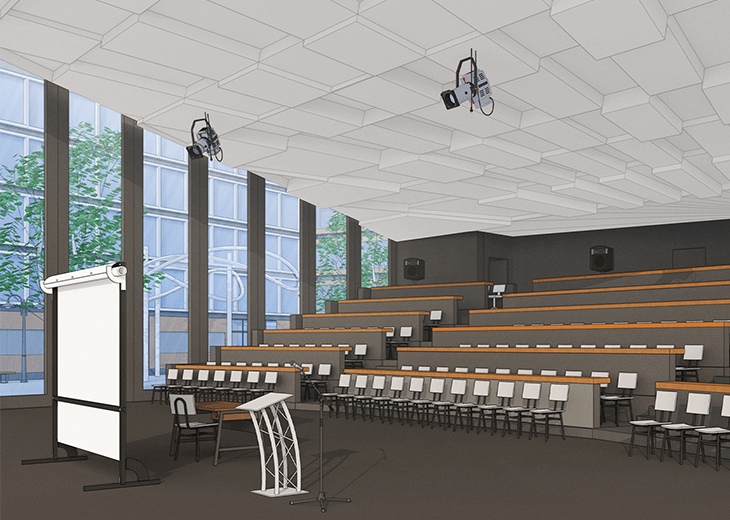
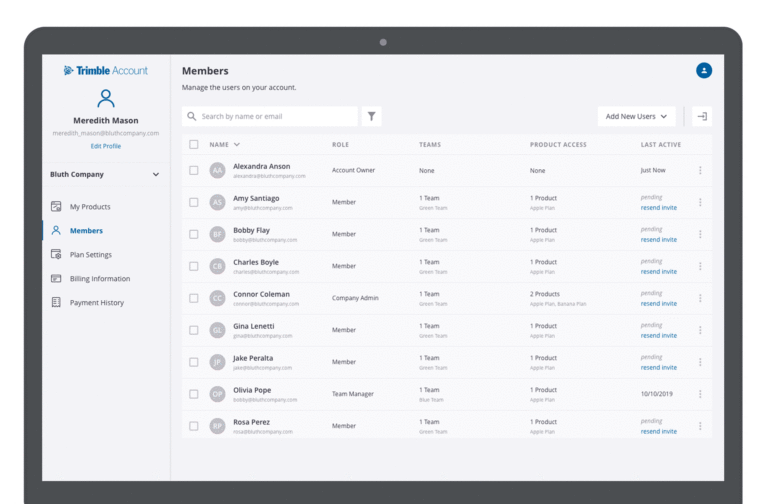
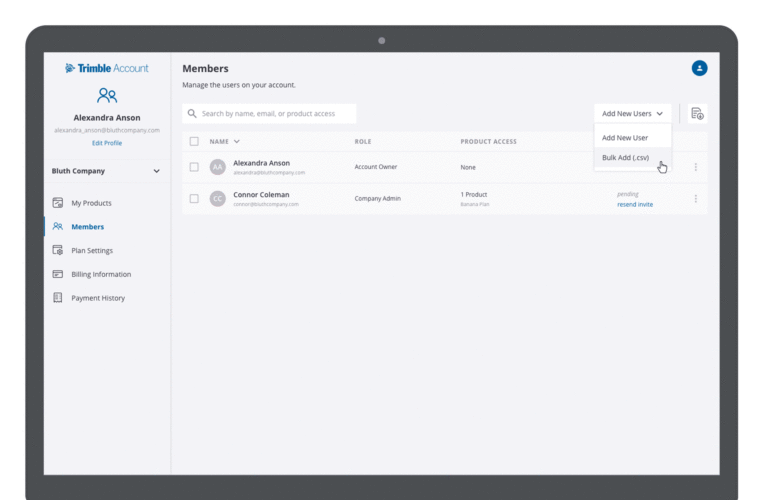
There’s a reason SketchUp is synonymous with intuitive and user-friendly 3D design software: it doesn’t sacrifice usability for functionality. Start drawing lines and shapes. Push and pull surfaces to turn them into 3D shapes. Stretch, copy, rotate and paint to create anything you want.
The SketchUp Pro student bundle includes the premium online modeller (SketchUp for Web), Trimble Connect for Business, as well as the desktop applications; SketchUp Pro for Desktop, LayOut, PreDesign and Style Builder. The bundle also includes augmented reality features within SketchUp Viewer for iOS and Android and viewing apps for the following XR devices: HTC Vive, Oculus Rift, Microsoft HoloLens, and Windows Mixed Reality headsets.
LayOut takes your 3D model into 2D space; it’s the tool for creating documentation from your SketchUp model.
SketchUp Pro’s desktop client modeller; all you need is an internet connection and your creativity.
Find a 3D model of just about anything and import it straight into your own model.
SketchUp extensions are add-on tools that solve 3D modelling problems which can seriously supercharge your workflow.
You’ll get all the help you need with any installation and technical questions that may arise.
The Trimble Connect extension for SketchUp provides direct access to projects, models, and other features of the Trimble Connect platform.
SketchUp Campus is a unique, in-depth learning hub with SketchUp-approved courses, to make learning SketchUp convenient and simple.
Yes! Anyone who has a subscription of SketchUp Pro will receive the latest updates and upgrades as they are released.
You can cancel your subscription within 14-days of purchasing.
No, it will not. We will contact ahead of your subscription expiration date and assist with your renewal.
You’ll need to be connected to the internet to activate SketchUp Pro (and other desktop applications like LayOut) on your computer for the first time. After this initial login, you can work in the desktop applications offline for up to 28 days before we’ll ask you to sign in again.
Yes, To qualify, you must be a current student at an accredited educational institution (for example a college or university). You must also provide proof of student status (letter of enrollment or copy of student ID card).
SketchUp Student licenses cannot be used for commercial (for-profit) work of any kind.
Presently the only available subscription term is annual. You pay once when you start and you’re entitled to use all the features contained within your chosen SketchUp Subscription for one full year. We’re constantly looking to improve how the subscription model works and may offer different length SketchUp Licence terms in the future.
With over 25 years’ experience in the digital design community, Elmtec is one of the leading suppliers of professional hardware and software. Our specialists offer product knowledge, industry experience and support to ensure we save your business time and money.

Get your Free 7–day trial here