Solidworks

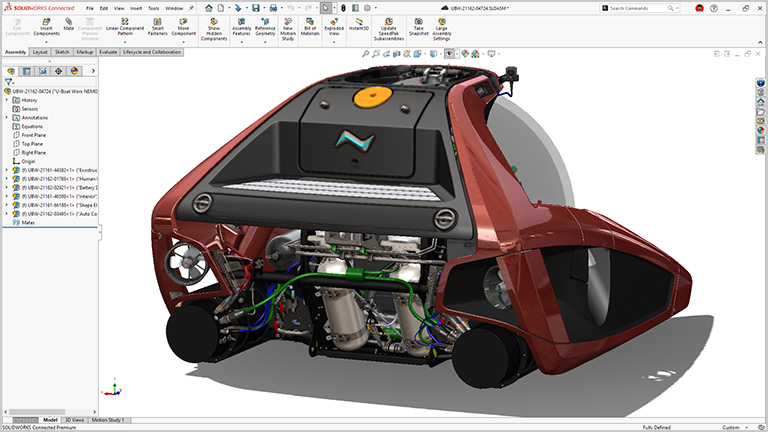
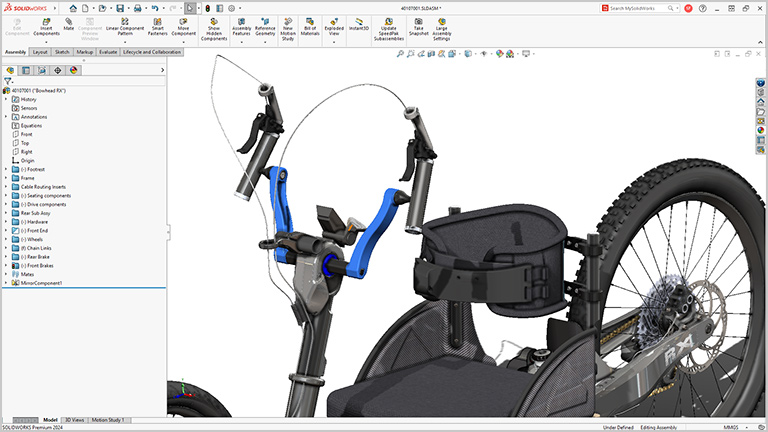
Innovators around the world trust SOLIDWORKS® CAD and cloud product development solutions to create, collaborate, and deliver extraordinary product experiences.

Design with THE Industry Standard

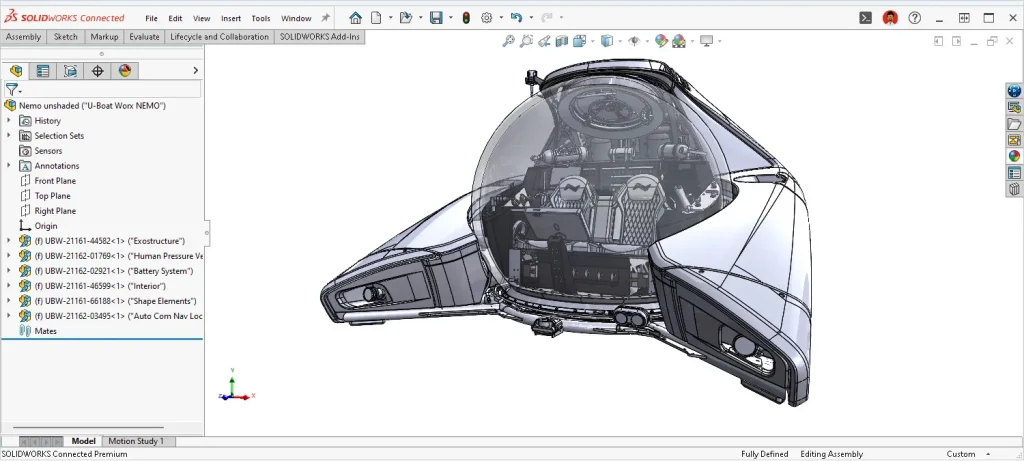
Millions of designers, engineers, and businesses around the world trust SOLIDWORKS to provide powerful, yet easy-to-use 2D and 3D product development solutions. From intuitive CAD workflows and 3D modeling to cloud technologies that simplify day-to-day collaboration, SOLIDWORKS has the tools to get your job done right.

Get a First Look at SOLIDWORKS Design

Known for its powerful, user-friendly interface, SOLIDWORKS is THE solution to use when you need the job done fast and right.

Watch the video to learn about core design capabilities, such as parts, assemblies, and drawings, industry-specific tools for sheet metal and framing, and next-gen features, like AI, CAD-aware cloud storage, and collaboration, that set you up for product design success today and in the future.


SOLIDWORKS Design Standard

PRICING

SOLIDWORKS Design Professional

PRICING

SOLIDWORKS Design Premium

PRICING

  • Single-user, a cloud-based, named user license accessible on multiple devices
  • Industry-standard parts, assemblies and drawings capabilities
  • Immediate connection to cloud capabilities
  • Real-time collaboration tools for sharing and marking up designs
  • Secure, cloud file and revision management
  • Production-ready manufacturing documentation
  • Additive manufacturing and NC programming
  • Simplified local install, deployed from cloud
  • Stays up to date with each release
  • Technical support
  • Everything included in Standard plus
  • Access an intelligent CAD library of components, fasteners, and hardware parts
  • Photorealistic rendering
  • Automated tolerance stack-up analysis
  • Automatic cost estimation
  • CAD standards checking
  • Technical support
  • Everything included in Professional plus
  • Electrical cable and wiring harness routing
  • Pipe and tube routing
  • Linear static analysis for parts and assemblies
  • Time-based motion analysis
  • Advanced surface flattening
  • Technical support

Features of Solidworks include:

SOLIDWORKS Design

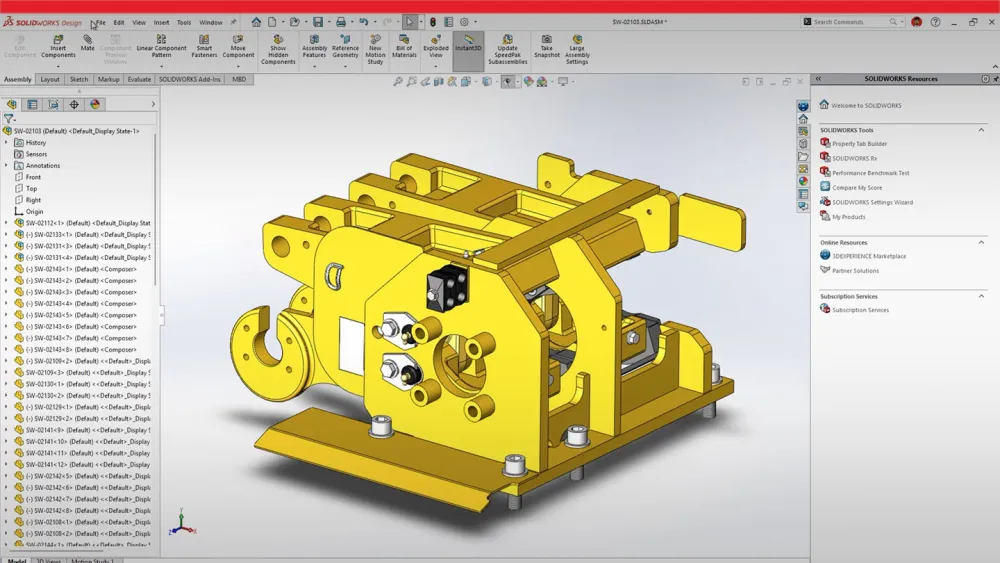
Parts, Assemblies, Drawings, and User Experience. Watch the video to learn how SOLIDWORKS 2026 enhancements help save time, reduce manual effort, and boost accuracy with AI-drawing generation, smarter assembly rebuilds, faster sketching, enhanced sheet metal tools, easier Physical Product setup, improved offline mode, and a streamlined interface.


 

Collaboration and Data Management

Collaboration and data management enhancements in SOLIDWORKS Design make connecting to the 3DEXPERIENCE® platform easier than ever. Watch the video to see highlights, including the new AURA AI-powered virtual companion, Excel file management for design tables, sharing information directly from your SOLIDWORKS interface, and more.

Selective Loading

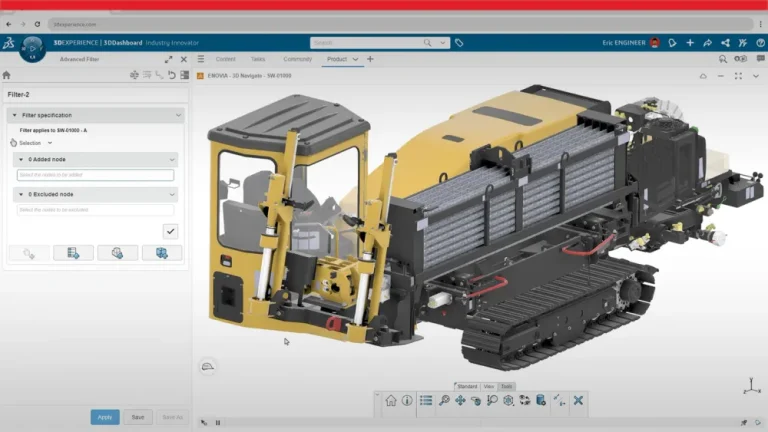
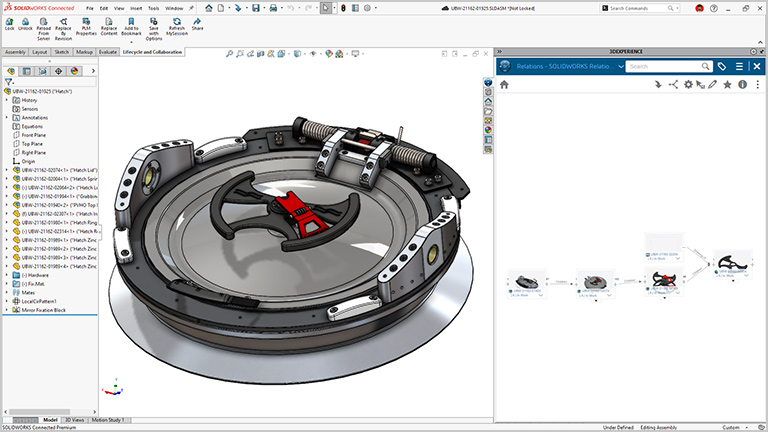
Streamline your design process by selectively opening sections of your design structure from the 3DEXPERIENCE platform. Visualize component relationships and use advanced filtering to find relevant components. After saving a filter, you can open it in SOLIDWORKS Design. Save time and boost collaboration by allowing multiple designers to work efficiently on the same large assembly without interfering with each other. 

SOLIDWORKS FREE Trial Access your free SOLIDWORKS trial now! Sign up below

You’ll get a trial of SOLIDWORKS for free.
All you need is an internet connection to download SOLIDWORKS and set up your account ID –  no credit card required.
 

Still have some questions on how Solidworks works?

We’ve got you covered!

DraftSight Professional provides the essential 2D tools you need to create, view, edit and manage your designs and drawings. It’s a feature-rich solution that’s also cost-effective. DraftSight Premium provides the same functionality, but adds full 3D capabilities and parametric constraints.


You can run DraftSight Professional on 64-bit Windows 10 or Windows 11, as well as Mac v10.15, 11.0 and 12.0. See our System Requirements for minimum and recommended RAM, disk space, processor types and more.

Go to the online store to get the best DraftSight Professional price, and enter your purchase information. You will receive a serial number and a link to our download page. Simply choose your operating system and start the download on the computer you wish to use. You’ll be prompted to enter your serial number to activate your subscription. It’s that easy!

About Elmtec

With over 25 years’ experience in the digital design community, Elmtec is one of the leading suppliers of professional hardware and software. Our specialists offer product knowledge, industry experience and support to ensure we save your business time and money.

Modern greenhouse with plants inside and person working in background

Get your Free trial here